
The Dartmouth Class of 1953 in 2015!Naval Aviation from the cockpitFor those of you who haven't personally experienced Naval Aviation from the cockpit, this is as good as it gets in a video clip. For those of you who have, you'll understand. Play it on a big screen if you can. Proud to be an American – sung by the Texas Tenors
Dave's Fun Photos and FilesSuiza--Con Te Partiro [Note: Requires MicroSoft PowerPoint Viewer] "Just Water" [Note: Requires MicroSoft PowerPoint Viewer] "I Wish You the Strength of All Elements" [Note: Requires MicroSoft PowerPoint Viewer] Blue Beauty [Note: Requires MicroSoft PowerPoint Viewer]
Charlie Fleet's solo on Little Jimmy Brown
Listen to Yourself in the 1953 Hum, April, 1953
Faces in the Class of 1953 Reunion Crowd, a Class Act
Page updated on October 29, 2016 |
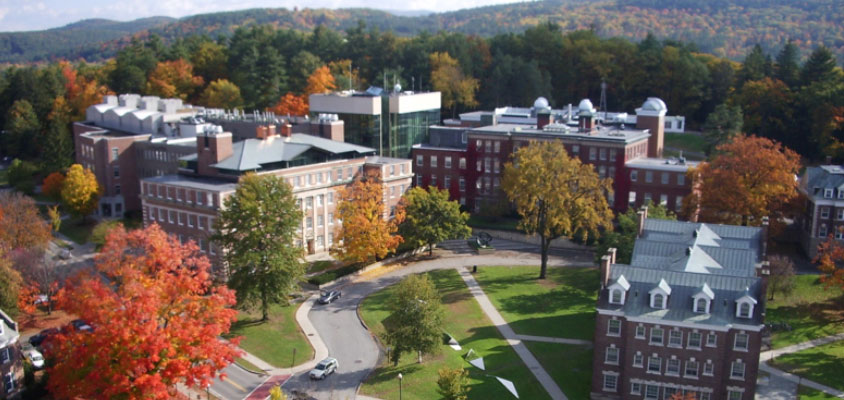
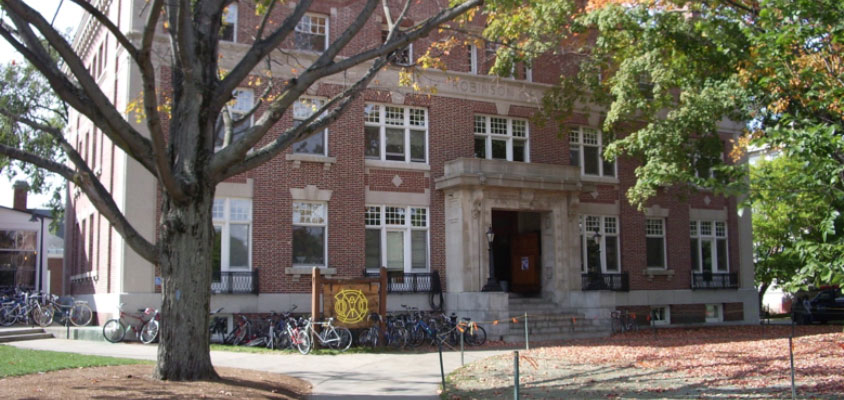
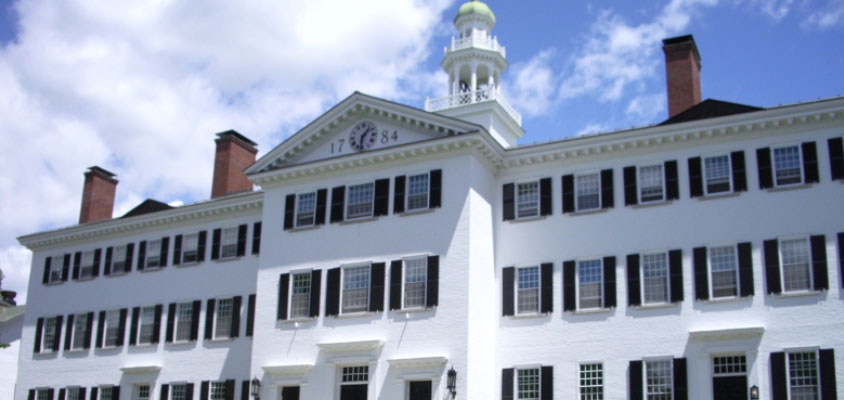
 We've gathered some images from available archives to bring back memories of our class in all their glory. We hope
that you have as much fun looking at these images as we did in gathering them.
We've gathered some images from available archives to bring back memories of our class in all their glory. We hope
that you have as much fun looking at these images as we did in gathering them.